
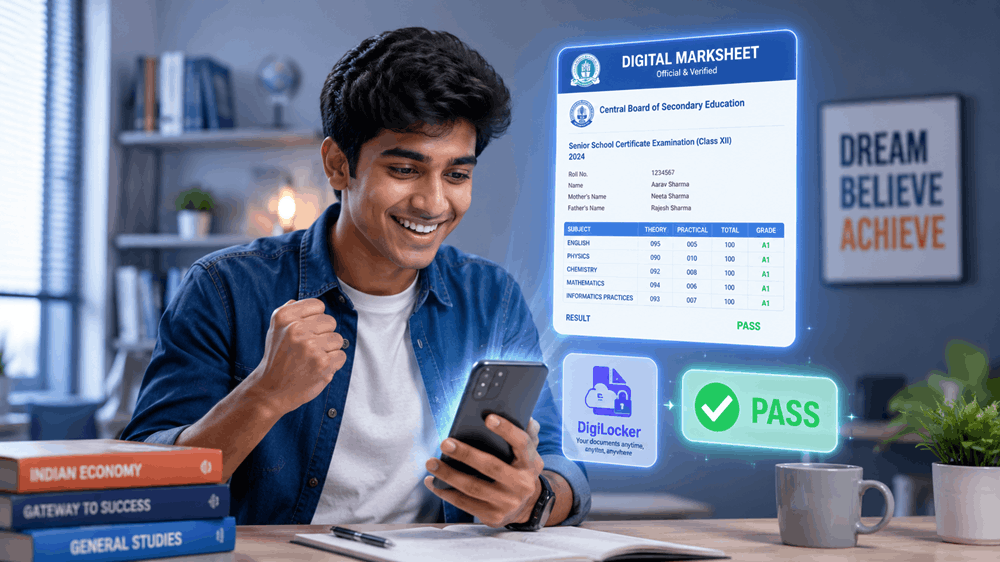
Sprint Overview — All you need, right here
- ▸Result Date: Expected in 12 May 2026 (exact date to be announced by CBSE officially)
- ▸Result Time: Likely released between 10:00 AM – 12:00 PM on result day
- ▸Official Website: cbseresults.nic.in and results.cbse.nic.in
- ▸DigiLocker: Digital marksheet available on the DigiLocker App using your 6-digit security PIN
What you need to know first
Over 17 lakh students appeared for the CBSE Class 12 Board Exams 2026. The result is one of the most-awaited moments in your academic life — and yes, the official servers WILL get slow. That is completely normal.
Don’t panic. Bookmark this page. We have three different ways to check your result below, so you are never stuck.
"CBSE servers handle crores of requests on result day. If a page doesn't load, wait 2–3 minutes and try again. Do not refresh repeatedly — it makes the server slower for everyone. Use the DigiLocker method for the fastest access."Step-by-Step: Check result on the official website
- Go to cbseresults.nic.in on your phone or laptop. You can also try results.cbse.nic.in if the first one is slow.
- Click on Class XII Results 2026 on the homepage.
- Enter your Roll Number, School Number, Centre Number, and Date of Birth in the form that appears.
- Click Submit. Your result will load on the screen within seconds.
- Take a screenshot immediately or click Print / Download to save your result. This is a provisional marksheet — keep it safe.
⚠ Important: The marksheet downloaded from the website is a provisional result slip, not the official marksheet. Your original marksheet will be sent to your school later. The official digital marksheet is available only on DigiLocker.DigiLocker Method — Get Your Official Digital Marksheet
This is the fastest and most reliable method on result day. CBSE directly links your marksheet to your DigiLocker account. This document is legally valid — no server crash issues here.
- Open the DigiLocker App (available on Android & iOS). Log in with your registered mobile number. If you haven’t registered yet, sign up using your Aadhaar number right now — don’t wait for result day.
- Go to the Education section. Search for “CBSE” and select Class 12 Marksheet 2026. You’ll be asked to enter your 6-DIGIT PIN — this is the security PIN you set when creating your DigiLocker account.
- Your official digital marksheet will appear instantly. You can download it as a PDF, share it directly with colleges, or use it wherever an original marksheet is required. It is 100% authentic and government-verified.
Direct Links — CBSE Result 2026
| Official Result — Server 1 | Click Here |
| Official Result — Server 2 | Click Here |
| DigiLocker — Official Marksheet | Click Here |
| UMANG App (Backup) | Click Here |
What to do after checking your result
If you’re happy with your marks — congratulations! Start your college admission process immediately. Most universities open their portals within days of the CBSE result.
If you’re not satisfied with your score, remember: CBSE offers a Compartment Exam and a Re-verification of Marks facility. Apply within the deadline. One exam does not define your path.
